Co-Parenting Shared Calendar App: Reducing Friction
Improve communication and stability for your children with professional co-parenting tools.

Co-Parenting Shared Calendar App: Transforming Friction into Flow
Co-parenting after a divorce or separation is like navigating a complex 3D puzzle. The pieces are constantly moving, the stakes are high, and sometimes, it feels like the instructions have been lost in translation. In a single-household family, coordination is a challenge; in a two-household family, it becomes a high-stakes logistics mission.
But what if you could take the emotional "heat" out of the coordination? What if you had a neutral, vibrant, and incredibly efficient space where the only priority was the well-being and happiness of your children? This is where a dedicated co-parenting shared calendar app steps in. By moving the "Master Plan" to a shared digital hub, you can move from a state of friction to a state of flow. Let's explore how technology like FamMedley can become the bridge that connects two worlds for the sake of the little ones.
The Challenge of the "Telephone Game"
In many co-parenting situations, information flows through a messy web of text messages, emails, and—worst of all—verbal messages carried by the children. "Tell your Mom that soccer is at 4:00" or "Ask your Dad if you can stay late on Friday" places an unfair burden on the kids and leads to inevitable miscommunications.
When communication is disjointed, it creates a sense of instability. Children thrive on routine and predictability. When they see their parents "arguing" over a calendar date or a missed pickup, it adds stress to their already complex world. To create stability, you need a system that is transparent, objective, and always up-to-date.
The Benefits of a Neutral Digital Ground
A co-parenting app focused on communication provides a neutral space for logistics. It’s not "Mom’s calendar" or "Dad’s calendar"; it’s the Child’s Calendar. By focusing the data on the child’s needs, you remove the personal friction and focus on the mission: successful parenting.
Step 1: The Unified Calendar for Seamless Transitions
The core of any successful co-parenting setup is a robust best family calendar app.
In FamMedley, the shared calendar is the heartbeat of the two-household system.
- Clear Custody Schedules: Map out the rotation with high-contrast, easy-to-read blocks. Everyone knows exactly whose "turn" it is without having to scroll through months of old texts.
- Milestone Tracking: Doctors' appointments, school plays, and piano recitals are all in one place. Both parents have visibility into the events that matter most.
- Real-Time Updates: If a baseball game is cancelled due to rain, one parent can update the app, and the other sees it instantly. No more "I didn't get the message" conflicts.

Step 2: Sharing the Small Moments with "The Pulse"
One of the hardest parts of co-parenting is feeling "left out" of the child’s life when they are at the other house. This can lead to resentment and a lack of connection.
The Pulse, FamMedley’s private family feed, allows the parent with the child to share moments—a photo of a lost tooth, a video of a new bike trick, or just a funny doodle from the school day.
- Connection Without Confrontation: It allows the "off-duty" parent to stay connected to the child’s daily life without needing to engage in a potentially stressful conversation with the other parent.
- A Digital Scrapbook: Over time, The Pulse becomes a shared record of the child’s growth that both parents can cherish.
Step 3: Consistency Across Households with "The Game"
Children need consistency. If the rules and expectations are radically different between "House A" and "House B," it can lead to behavioral issues and confusion.
By using shared family organizer features, you can create a unified experience for the child.
- Consistent Chore Tracking: Use The Game to track the same chores (like making the bed or brushing teeth) regardless of which house the child is in.
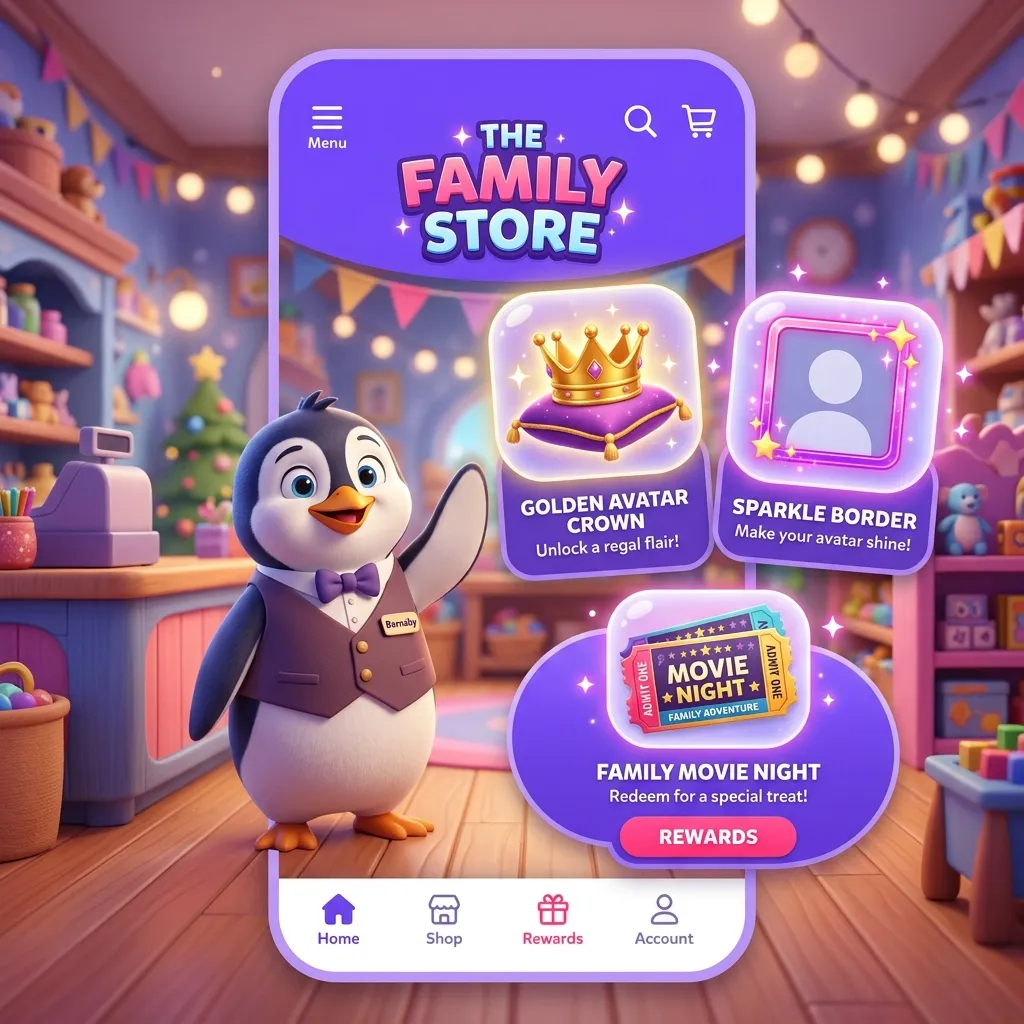
- Unified Rewards: Link the XP earned in both houses to the same Family Store. This teaches the child that their responsibilities and rewards are consistent, no matter where they are sleeping.
- Weekly Family Goals: Use weekly family goals and gamification to keep the child motivated and feeling like they are part of a unified "Team Kid," even if the parents are on separate teams.
Step 4: Secure Storage for Essential Records
Co-parenting involves a lot of paperwork—insurance cards, school report cards, allergy lists, and emergency contacts. If this info is stuck in a physical folder at one house, it’s useless in an emergency at the other.
FamMedley’s secure storage allows both parents to access the "External Brain" of the household.
- Medical Vault: Store photos of insurance cards and immunization records.
- School Hub: Keep PDFs of the school handbook and teacher contact info accessible to both parties.
Tips for Parents: Navigating the Co-Parenting Journey
- Keep it Logistics-Only: Use the app for the "Who, What, When, and Where." If an emotional conversation is needed, move it to a different medium (or a mediator).
- The "Assume Best Intent" Rule: If a schedule change pops up on the app, don't jump to conclusions. Let the data be the data.
- Involve the Kids (When Age-Appropriate): Let older kids see the calendar on their own devices. It empowers them to know their own schedule and reduces the feeling of being "shuffled" between homes.
- Celebrate Together (Digitally): Use the "React" feature on The Pulse to acknowledge the other parent’s posts. A simple heart on a photo of your child’s school project goes a long way in building a positive co-parenting environment.
FAQ: Co-Parenting with FamMedley
Q: Is the information in the app legally admissible? A: FamMedley is designed for family coordination, not legal documentation. However, having a clear, timestamped record of events and communication can be a helpful reference for your own records.
Q: Can I block certain information from the other parent? A: Within the child’s shared space, transparency is key. However, you can maintain your own private notes and lists within your personal FamMedley account that the other parent cannot see.
Q: How do we handle expenses? A: While FamMedley doesn't process payments, you can use The Hive to track shared expenses. Create a "Shared Expenses" list and add items as they come up, then settle up through your preferred payment method.
Q: What if the other parent refuses to use the app? A: Start by using it for yourself and showing them the benefits. When they see how much easier the handoffs are and how much less they have to text you for info, they may be more inclined to join the system.
Conclusion: Building a Brighter Future Together
Co-parenting is one of the most challenging roles a person can take on, but it is also one of the most important. By leveraging the power of a vibrant, 3D-inspired digital hub, you can take the "heavy lifting" out of the logistics.
When the friction of coordination is reduced, there is more room for the love and support your child needs. In the world of FamMedley, the goal isn't just to manage a schedule; it’s to build a harmonious, stable, and joyful environment where every child can shine.
Ready to simplify your co-parenting life? Download FamMedley today and start building a better bridge.